

An SMS OTP API enables developers to send secure one-time passwords to users’ phones for authentication and verification. It plays a key role in two-factor authentication, mobile number verification, and fraud prevention by delivering time-sensitive codes through SMS in seconds. Businesses use it to secure logins, protect accounts, and improve user trust while keeping the verification process fast and simple.
An SMS OTP API is a tool that lets developers send one-time passwords to users’ phones via text message. It powers two-factor authentication, verifies phone numbers, and protects accounts from fraud—usually with just a few lines of code and a simple integration into your app or website.
Passwords alone don’t cut it anymore. Stolen credentials are behind a huge share of data breaches, and customers expect their accounts to stay safe without a clunky login process. That’s where an SMS OTP API comes in.
If you’re building an app, running an e-commerce store, or managing any platform that handles user accounts, you’ve probably thought about adding an extra layer of security. Sending a one-time password (OTP) by text is one of the fastest, most widely understood ways to do that. Nearly everyone has a phone, and almost everyone knows how to read a text.
This guide breaks down everything you need to know about SMS OTP APIs—how they work, what features matter, and how to choose the right service. By the end, you’ll understand the moving parts behind secure SMS verification and be ready to integrate it into your own product.
What is an SMS OTP API and how does it work?
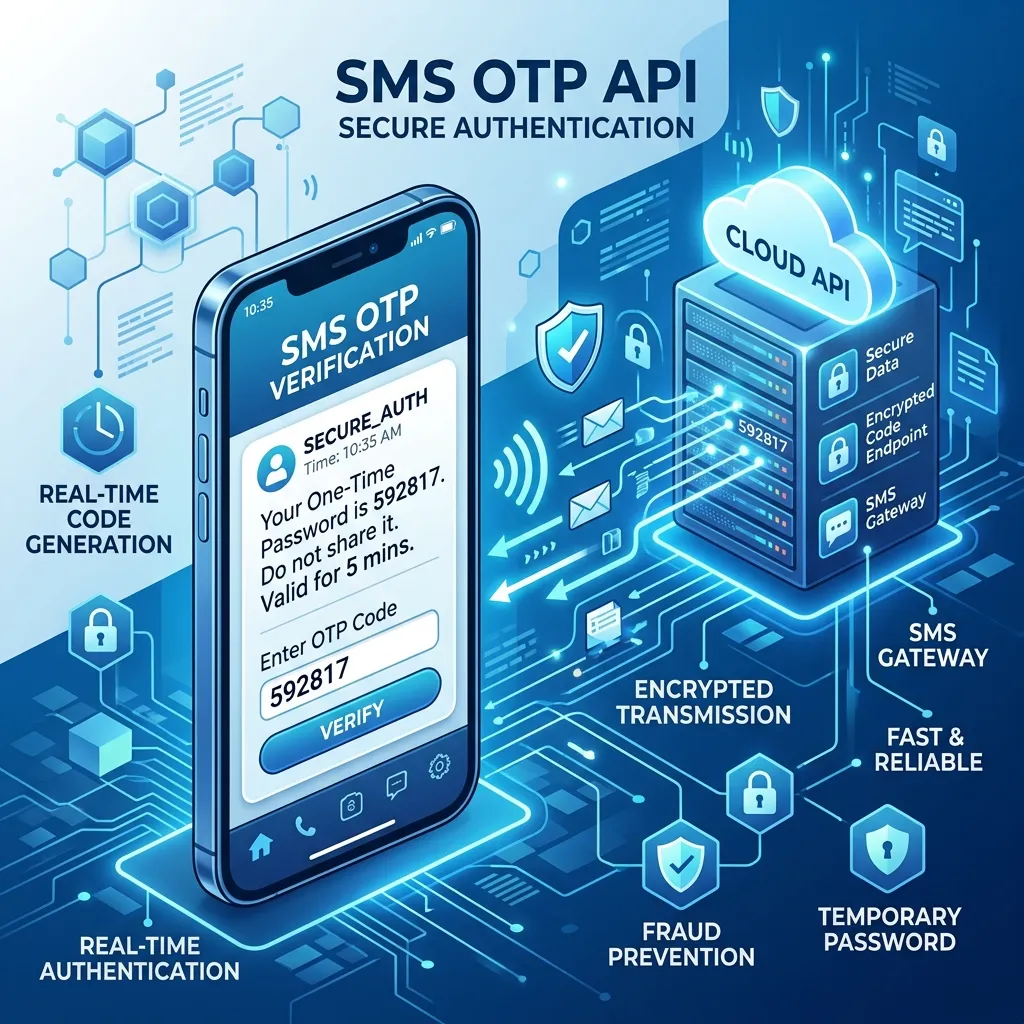
An SMS OTP API is a programming interface that lets your application generate and send one-time passwords to a user’s mobile phone through text messages. “OTP” stands for one-time password—a short code, usually four to six digits, that works only once and expires within minutes.
Here’s the basic flow:
- A user enters their phone number or tries to log in.
- Your app calls the SMS OTP API and requests a code.
- The API generates a unique code and routes it through an OTP SMS gateway to the user’s phone.
- The user reads the text and types the code back into your app.
- Your app verifies the code. If it matches and hasn’t expired, the user is approved.
The whole process takes seconds. From the user’s point of view, it feels effortless—they get a text, type a few numbers, and they’re in. Behind the scenes, the API handles code generation, delivery, expiration, and validation.
How does an OTP SMS gateway deliver messages?
An OTP SMS gateway is the infrastructure that carries your text message from your application to the recipient’s mobile carrier, and finally to their phone. Think of it as the bridge between software and the global telecom network.
When your app sends a request, the gateway selects a route to the destination country and carrier. Good gateways maintain direct connections with carriers worldwide, which means faster delivery and higher reliability. Speed matters here—an OTP that arrives two minutes late is useless because the code may have already expired, and the user has likely given up.
Quality gateways also offer features like:
- Smart routing: Automatically picking the fastest, most reliable path for each message.
- Failover support: Switching to a backup route if the primary one fails.
- Delivery receipts: Confirming whether a message actually reached the phone.
When you choose an OTP delivery service, pay close attention to delivery rates and global coverage. A provider that performs well in one region may struggle in another.
Why use two-factor authentication SMS for account security?
Two-factor authentication (2FA) adds a second checkpoint to your login process. Instead of relying on a password alone, the user must also prove they have access to something else—in this case, their phone.
Two-factor authentication SMS works because it combines two different types of proof:
- Something the user knows: their password.
- Something the user has: their phone, which receives the OTP.
Even if a hacker steals a password, they can’t log in without also having the user’s phone. This simple barrier blocks the vast majority of automated attacks and credential-stuffing attempts.
SMS-based 2FA has another big advantage: accessibility. It doesn’t require users to download a separate authenticator app or carry a hardware token. Almost everyone already has a phone that can receive texts, which makes adoption smooth and friction-free.
What can an SMS verification API do for your app?
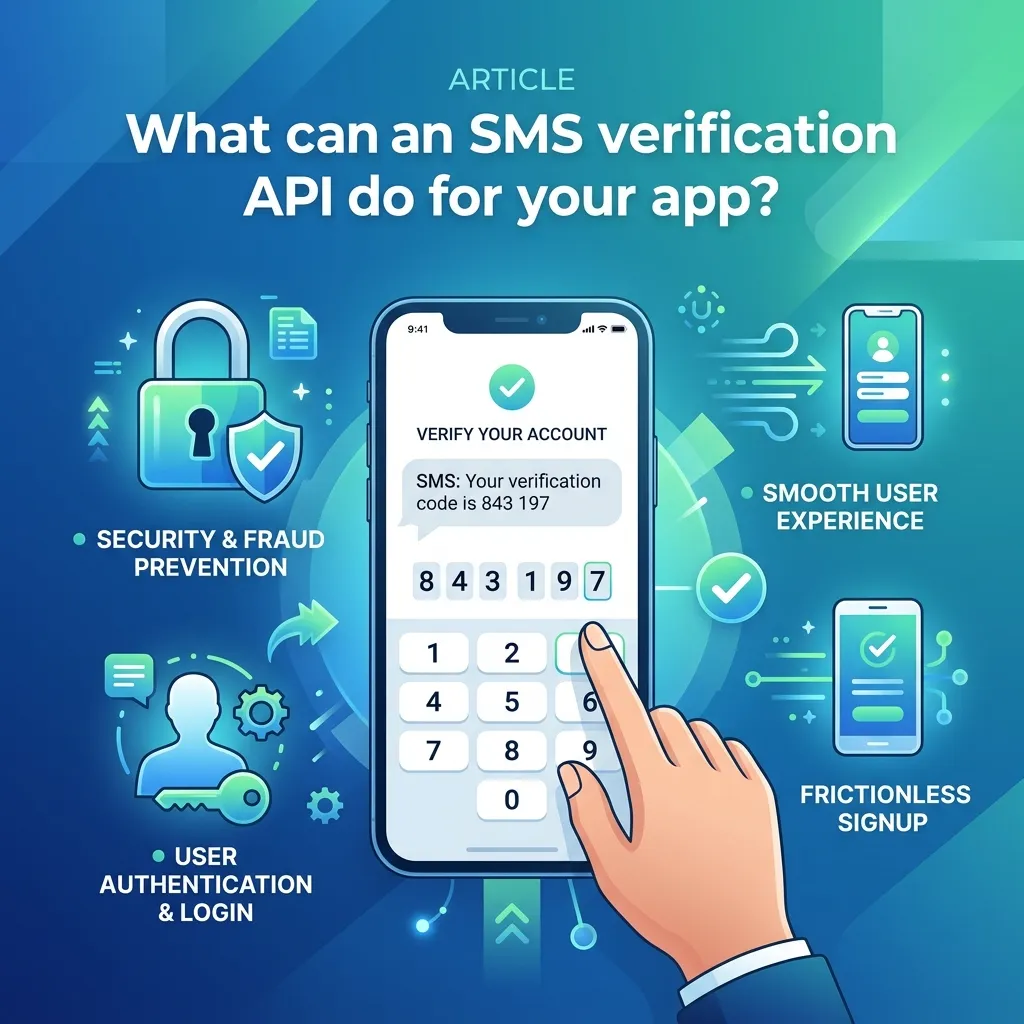
An SMS verification API does more than just send codes. It manages the entire verification lifecycle, so your team doesn’t have to build that logic from scratch.
A strong SMS verification API typically handles:
- Code generation: Creating random, secure codes for each request.
- Expiration management: Automatically invalidating codes after a set time.
- Retry logic: Letting users request a new code if the first doesn’t arrive.
- Rate limiting: Blocking repeated requests that signal abuse or fraud.
By offloading these tasks to a dedicated API, developers save weeks of work. You don’t need to worry about building secure code storage, managing timeouts, or defending against brute-force attempts—the service handles it.
How do you use a one-time password API for mobile number verification?
Mobile number verification confirms that a user actually owns the phone number they entered. This step is essential for preventing fake accounts, reducing spam, and keeping your user database clean.
A one-time password API makes mobile number verification straightforward. When a new user signs up, your app sends an OTP to their number. The user enters the code, and once it’s verified, you know the number is real and belongs to them.
This matters for several reasons:
- Fraud prevention: Bots and scammers struggle to verify thousands of real phone numbers.
- Account recovery: A verified number gives users a reliable way to reset passwords.
- Communication: You can confidently send order updates, alerts, and reminders.
For e-commerce sites, fintech apps, and marketplaces, mobile number verification is often the first line of defense against fake sign-ups.
What features should you look for in an SMS authentication service?
Not all providers are equal. When you evaluate an SMS authentication service, focus on the features that affect security, reliability, and user experience.
Delivery speed and reliability
Codes must arrive within seconds. Look for a provider with high global delivery rates and direct carrier connections. Ask for documented delivery statistics rather than vague promises.
Global coverage
If your users live across multiple countries, your OTP delivery service needs strong international reach. Test delivery in your key markets before committing.
Security and compliance
The service should follow security best practices—encrypted connections, secure code generation, and protection against common attacks. Check whether the provider complies with relevant regulations in your industry and region.
Easy integration
Clear documentation, sample code, and SDKs in popular programming languages can save your developers hours. A clean, well-documented phone verification API is worth a lot.
Transparent pricing
Understand how you’ll be charged. Most providers bill per message, and rates vary by country. Watch for hidden fees on failed deliveries or premium routes.
How much does secure SMS verification cost?
Pricing for secure SMS verification usually follows a pay-per-message model. You’re charged for each OTP sent, and the rate depends on the destination country. Sending a text within the United States typically costs a fraction of a cent to a few cents, while some international routes cost more.
A few factors affect your total spend:
- Volume: Higher message volumes often unlock lower per-message rates.
- Destination: International messages cost more than domestic ones.
- Routing quality: Premium, high-reliability routes may carry a higher price.
For most apps, the cost is small compared to the value of preventing fraud and account takeovers. If you expect heavy traffic, ask providers about volume discounts and consider how failed or retried messages affect your bill.
When should you choose SMS-based authentication over other methods?
SMS-based authentication isn’t the only option. Authenticator apps, email codes, and hardware tokens all exist. So when does SMS make the most sense?
Choose SMS-based authentication if:
- Your users span a wide range of technical skill levels and you need a method everyone understands.
- You want fast onboarding without forcing users to install extra apps.
- You need to verify phone numbers as part of the process anyway.
Consider other methods if:
- Your users are highly security-conscious and willing to use authenticator apps, which avoid risks like SIM swapping.
- You operate in a high-risk industry where the strongest possible protection outweighs convenience.
For most consumer apps, SMS authentication strikes the best balance between security and ease of use. Many platforms offer it as the default while letting advanced users switch to an authenticator app.
How do you integrate a phone verification API into your product?
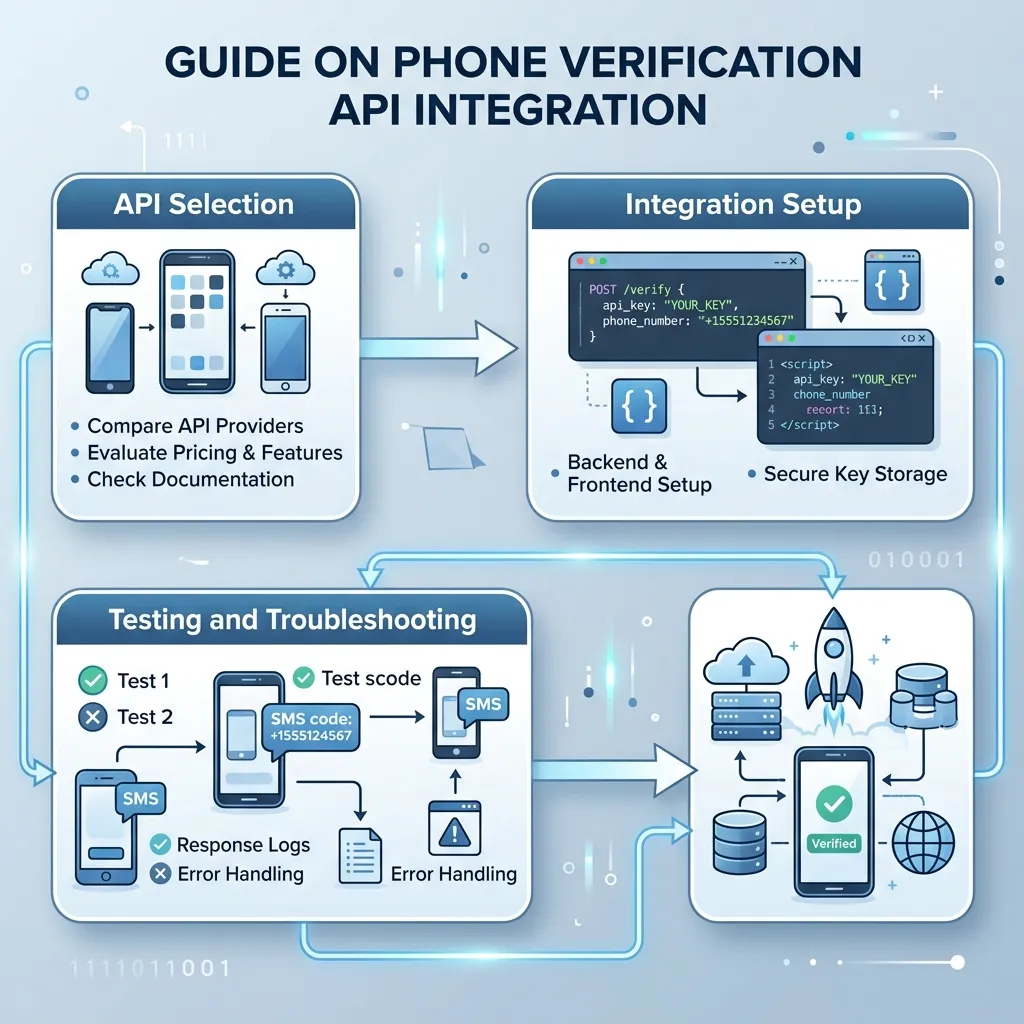
Integrating a phone verification API is usually a quick process. While the exact steps vary by provider, the general path looks like this:
- Sign up for an account with your chosen provider and grab your API key.
- Read the documentation to understand the available endpoints and parameters.
- Send a test request to confirm your setup works and codes arrive.
- Build the user flow—the screen where users enter their number, receive the code, and type it back.
- Handle edge cases like expired codes, failed deliveries, and retry requests.
- Monitor performance using delivery reports and analytics.
Most providers offer SDKs that wrap their REST API, so you can add SMS verification with minimal code. Always test thoroughly across the regions and devices your users actually use.
Final thoughts on choosing an SMS OTP API
An SMS OTP API gives you a fast, reliable way to protect user accounts and confirm phone numbers. It strengthens security through two-factor authentication, reduces fraud through mobile number verification, and keeps the experience simple for everyday users.
When you shop for an OTP delivery service, weigh delivery speed, global coverage, security, integration ease, and pricing. The right provider will deliver codes in seconds, support the countries you care about, and make integration painless for your developers.
Ready to add secure SMS verification to your product? Start by listing your key markets and expected message volume, then request a trial from two or three providers. Compare their real-world delivery rates before you commit—the numbers will tell you which service is the best fit.
Frequently asked questions
What is the difference between an SMS OTP API and an SMS verification API?
The terms are often used interchangeably. An SMS OTP API focuses on sending one-time passwords, while an SMS verification API usually manages the full verification process—generating codes, checking them, and handling expiration. Many providers offer both functions in a single product.
How fast does an OTP text message arrive?
With a quality OTP SMS gateway, codes typically arrive within a few seconds. Delivery speed depends on the provider’s carrier connections and the destination country. Slow delivery is a red flag, since expired codes frustrate users and increase drop-off.
Is SMS-based authentication secure?
SMS-based authentication is far more secure than passwords alone and blocks most automated attacks. However, it’s vulnerable to SIM-swapping in targeted attacks. For most consumer apps it offers strong, practical protection, but high-risk platforms may add authenticator apps or hardware tokens for extra defense.
Do I need coding skills to use a phone verification API?
Yes, some development knowledge is needed to integrate a phone verification API. Most providers offer SDKs, sample code, and clear documentation that make the process simpler, so a developer can usually add it within a day.
How much should I budget for secure SMS verification?
Costs follow a pay-per-message model, ranging from a fraction of a cent to a few cents per text in many countries, with higher rates for some international routes. Estimate your monthly message volume, then ask providers about volume discounts to forecast your spend.
