

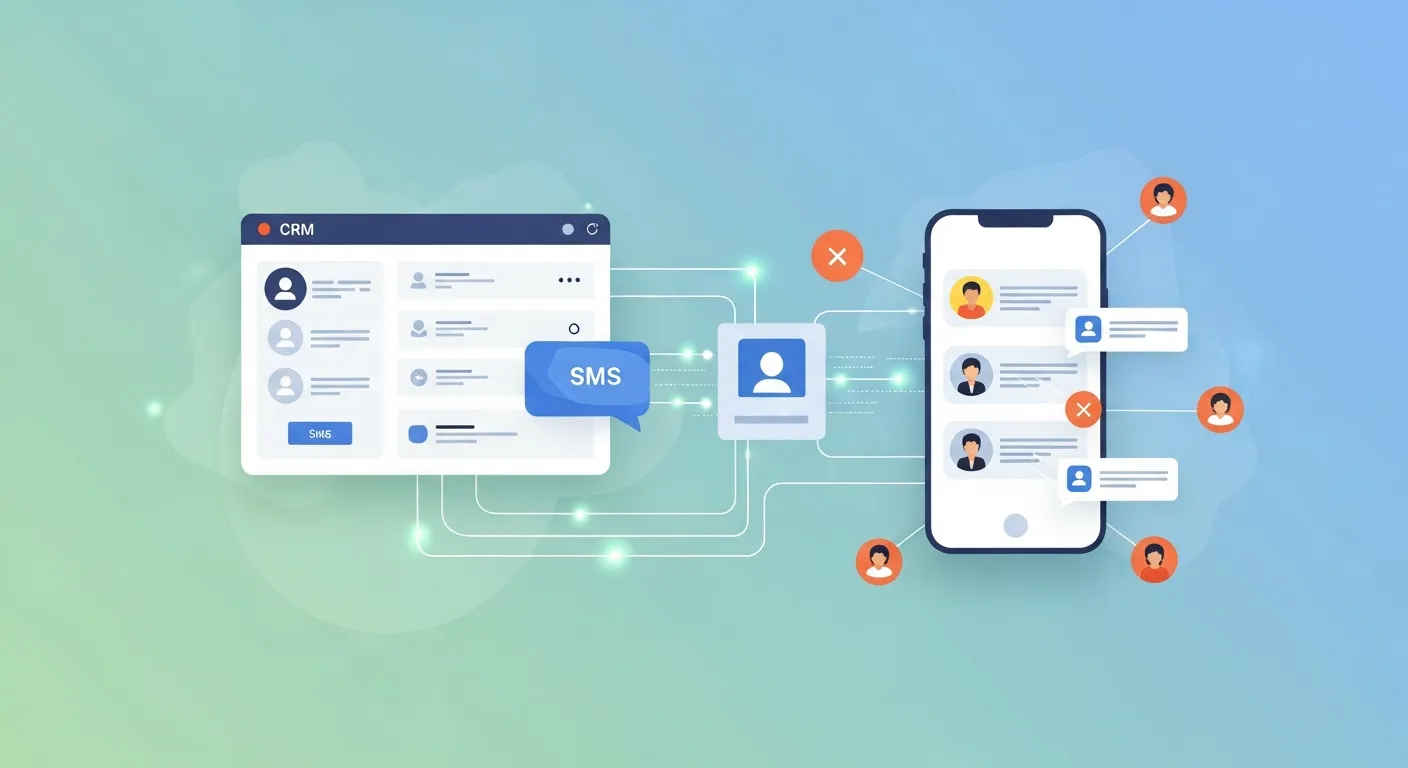
CRM SMS integration connects your customer relationship management platform with text messaging tools, letting you send automated, personalized SMS based on customer data and behavior. It boosts response rates, speeds up communication, and keeps every text logged alongside your existing customer records—all from one system.
Email open rates hover around 20%. Text messages? They get opened 98% of the time, usually within minutes. That gap explains why so many businesses are rushing to connect their text messaging with their customer database.
But sending texts one by one defeats the purpose. The real power comes from automation—triggering the right message, to the right person, at the right moment, without anyone lifting a finger. That’s exactly what CRM SMS integration delivers.
This guide breaks down how SMS integration with CRM systems works, the features that matter most, and how to set up automated workflows that actually drive results. Whether you’re running a small sales team or managing thousands of contacts, you’ll learn how to turn text messaging into a reliable revenue channel.
What is CRM SMS integration?
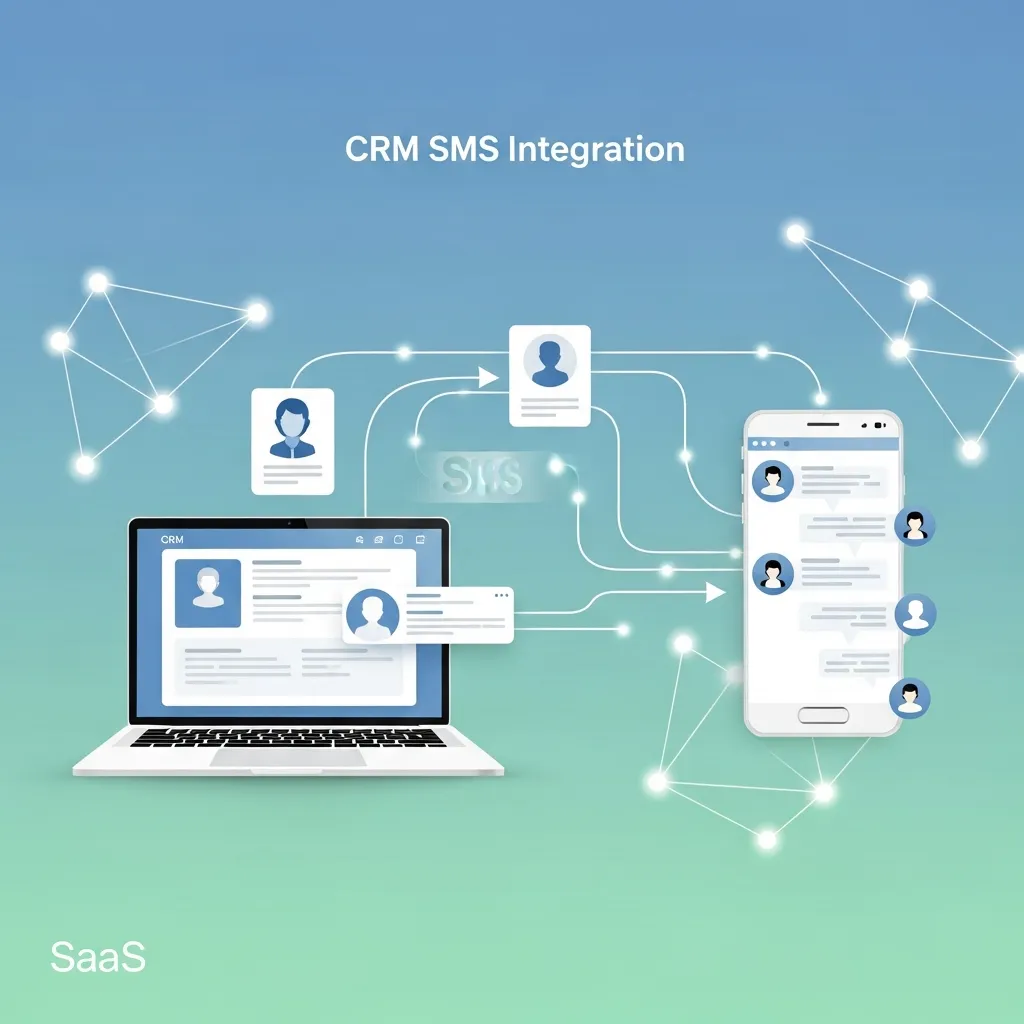
CRM SMS integration is the connection between your customer relationship management software and an SMS messaging service. Once linked, your CRM can send and receive text messages directly, using the customer data it already stores—names, purchase history, support tickets, and more.
Think of it this way: your CRM knows who your customers are and what they’ve done. SMS integration gives that knowledge a voice. Instead of manually copying phone numbers into a separate texting app, you send personalized messages straight from the customer’s profile, and every conversation gets saved automatically.
Most CRM SMS integration software falls into one of two categories:
- Native integrations, where SMS is built directly into the CRM platform (like HubSpot or Salesforce with their messaging add-ons).
- Third-party connectors, which link your CRM to a dedicated SMS provider like Twilio, Sakari, or SimpleTexting through an API or app marketplace.
Both approaches achieve the same goal: unified communication that lives where your customer data already does.
Why does SMS integration with CRM systems matter?
The business case is hard to ignore. According to industry research, SMS messages have a 98% open rate and an average response time of just 90 seconds. Compare that to email, where most messages sit unread for hours—if they’re opened at all.
When you fold that immediacy into your CRM, a few things happen:
Faster response times. Sales reps can reply to leads within seconds instead of hours. Studies consistently show that contacting a lead within five minutes dramatically increases conversion odds.
Better data accuracy. Every text—sent or received—logs automatically against the customer record. No more scattered conversations across personal phones or standalone apps.
Personalization at scale. Because your CRM holds detailed customer information, you can merge first names, order numbers, appointment times, and other fields into messages that feel one-to-one even when sent to thousands.
Fewer no-shows and missed payments. Automated reminders for appointments, renewals, and invoices reduce revenue leakage without adding to your team’s workload.
How does automated SMS in CRM platforms work?
Automated SMS relies on triggers and workflows. A trigger is an event—a new lead, a completed purchase, an abandoned cart—that tells the system to act. The workflow is the chain of actions that follows.
Here’s a simple example. A customer books a demo through your website. That action creates a contact in your CRM, which triggers an automated text: “Hi Sarah, thanks for booking your demo for Thursday at 2 PM. Reply YES to confirm.” If Sarah replies, the system updates her record and notifies the sales rep.
These CRM messaging automation workflows can branch based on customer behavior. No reply after 24 hours? Send a follow-up. Customer replies with a question? Route the conversation to a live agent. The logic runs in the background, so your team focuses on conversations that need a human touch.
Most CRM text message automation tools let you build these sequences with a visual editor—drag-and-drop blocks that map out each step. You don’t need to write code to set up a reminder series or a re-engagement campaign.
What are the best CRM text message automation tools and use cases?
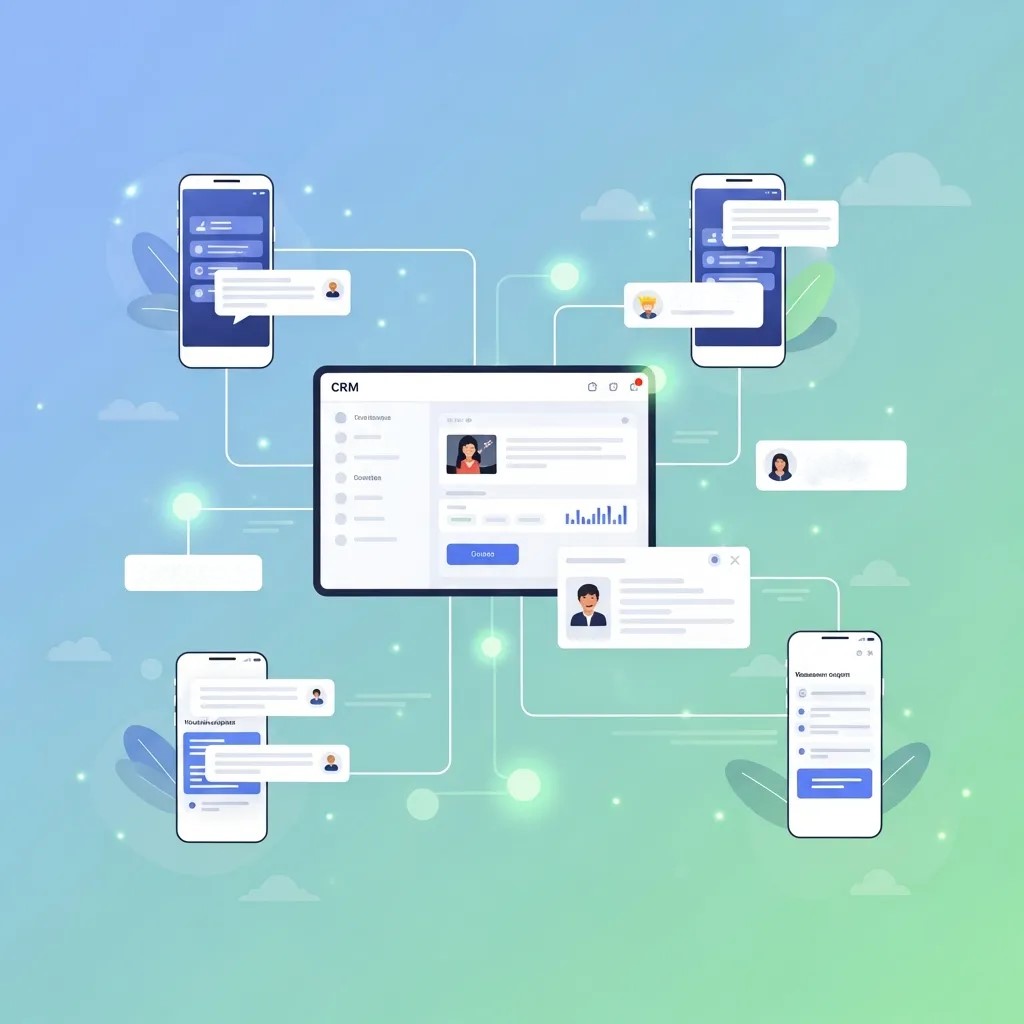
The right setup depends on what you’re trying to accomplish. Here are the most common applications, each tied to a specific business goal.
Appointment and booking reminders
Healthcare clinics, salons, and service businesses use customer relationship management SMS alerts to cut down no-shows. A typical sequence sends a confirmation when the booking is made, a reminder 24 hours out, and a final nudge an hour before. Missed appointments drop sharply when reminders go out by text.
Lead nurturing and follow-up
Sales teams trigger SMS marketing integration with CRM to keep new leads warm. After someone fills out a form, an automated text thanks them and offers a next step. If they go quiet, a sequence of gentle follow-ups keeps your brand top of mind without overwhelming them.
Order and shipping updates
E-commerce brands use a CRM-based SMS notification system to confirm orders, share tracking links, and announce delivery. These transactional texts have some of the highest engagement rates because customers genuinely want them.
Payment and renewal reminders
Subscription businesses and service providers send CRM SMS communication automation for upcoming invoices, failed payments, and renewals. A timely reminder recovers revenue that would otherwise slip through the cracks.
Two-way conversations and support
A two-way SMS CRM integration system lets customers reply and have a real conversation. Support teams handle questions, sales reps negotiate deals, and every message stays logged in the CRM. This beats one-directional blasts because it turns texting into a genuine dialogue.
What features should you look for in CRM SMS integration software?
Not all integrations are created equal. When evaluating options, prioritize these capabilities:
- Two-way messaging. Choose a system that supports replies, not just outbound blasts. Conversations build relationships; one-way alerts don’t.
- Personalization fields. Look for merge tags that pull CRM data—names, dates, order numbers—into your messages automatically.
- Workflow automation. A visual builder for triggers, delays, and conditional logic saves hours of manual work.
- Compliance tools. Built-in opt-out handling (like automatic “STOP” processing) and consent tracking keep you on the right side of regulations like the TCPA and GDPR.
- Reporting and analytics. Delivery rates, response rates, and conversion tracking show what’s working.
- Scalability. Make sure the platform can handle your contact volume without throttling or surprise fees.
If compliance and conversation tracking matter more than budget, invest in a platform with robust opt-out management and detailed logging. If you’re a small team testing the waters, a lightweight third-party connector tied to your existing CRM may be all you need to start.
How do you set up CRM messaging automation workflows?
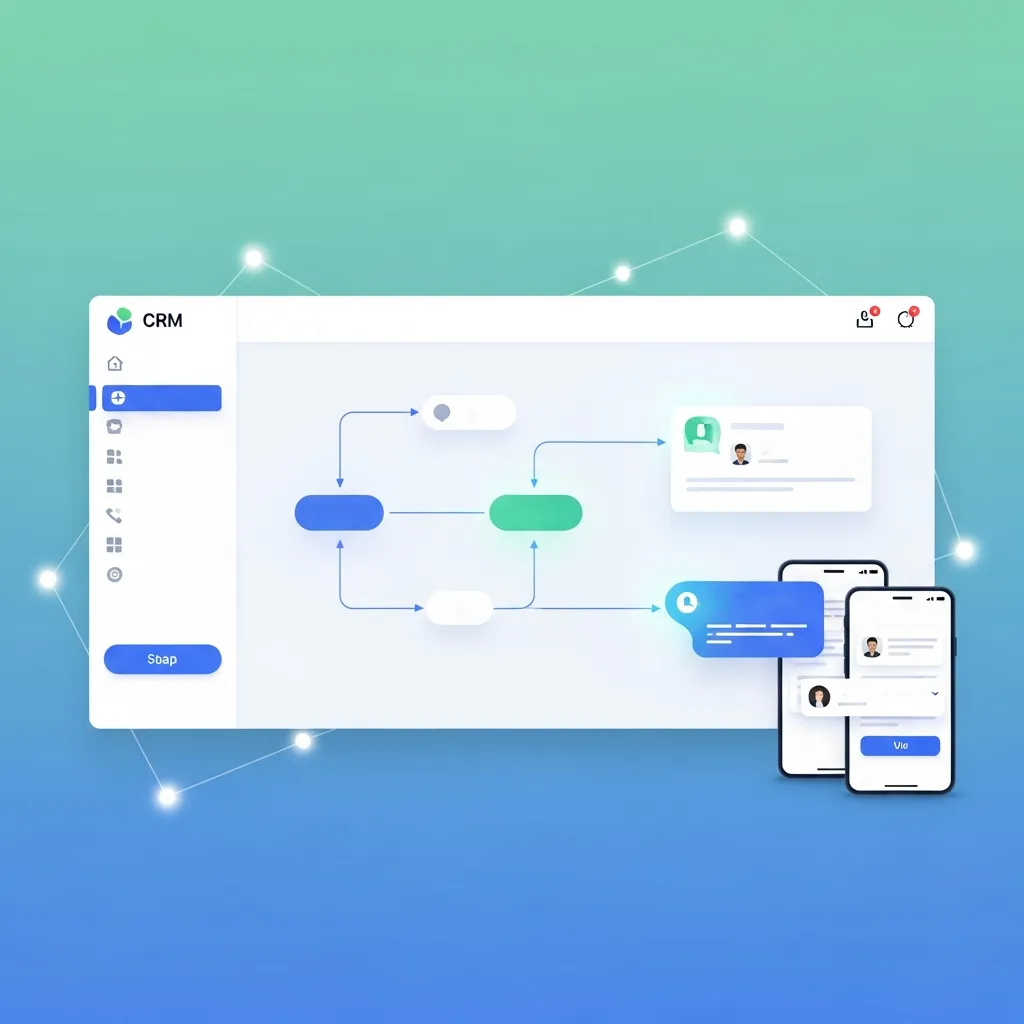
Getting started is more straightforward than most people expect. Follow these steps to launch your first automated SMS sequence.
- Choose your integration method. Decide between a native CRM feature and a third-party connector based on your platform and budget.
- Get a dedicated number. Most CRM SMS integration software provides a local or toll-free number, or a short code for high-volume sending.
- Import and segment contacts. Make sure every contact has opted in, then group them by behavior, stage, or interest.
- Build your first workflow. Start simple—an appointment reminder or a welcome text. Define the trigger, the message, and any follow-up steps.
- Personalize with merge fields. Insert dynamic data so each message feels tailored.
- Test before launch. Send test messages to yourself and teammates to catch formatting issues.
- Monitor and refine. Watch delivery and response rates, then adjust timing and wording to improve performance.
Start with one high-impact workflow rather than building ten at once. Once you see results, expand from there.
What are the compliance rules for CRM SMS communication automation?
Texting customers comes with legal responsibilities. In the United States, the Telephone Consumer Protection Act (TCPA) requires explicit consent before you send marketing texts. In Europe, GDPR sets similar standards for consent and data handling.
A few non-negotiables:
- Get clear opt-in. Customers must agree to receive texts. A pre-checked box doesn’t count.
- Offer easy opt-out. Every campaign needs a simple way to unsubscribe, usually by replying “STOP.”
- Respect quiet hours. Avoid texting late at night or early in the morning. Many regulations restrict sending outside 8 AM to 9 PM local time.
- Keep records. Log consent and opt-outs so you can prove compliance if questioned.
Good CRM SMS integration software handles much of this automatically, processing opt-outs and timestamping consent so you don’t have to track it by hand.
Turning text messages into a growth engine
CRM SMS integration takes the channel customers actually read and connects it to the data that makes messages relevant. The result is faster communication, higher response rates, and a complete record of every conversation—all without piling more work on your team.
Start small. Pick one workflow that solves a real problem, like appointment reminders or lead follow-up, and measure the results. Once you see how text messaging moves the needle, you can expand into nurturing, support, and beyond.
The businesses that win with SMS aren’t the ones blasting the most messages. They’re the ones sending the right message, at the right moment, backed by the customer data only a CRM can provide.
Frequently asked questions
How much does CRM SMS integration cost?
Costs vary widely. Native CRM add-ons may charge a monthly fee plus per-message rates, while third-party connectors like Twilio bill per text (often a fraction of a cent each) on top of a platform subscription. Small teams can start for under $50 a month; high-volume senders pay more based on message count and features.
Can I send two-way text messages from my CRM?
Yes. A two-way SMS CRM integration system lets customers reply directly, and those replies appear in the customer’s record. This supports real conversations for sales, support, and follow-up rather than one-directional alerts.
Which CRMs support SMS integration?
Most major platforms do. Salesforce, HubSpot, Zoho, Pipedrive, and others offer native SMS features or integrate with dedicated providers like Twilio, Sakari, and SimpleTexting through their app marketplaces.
Is automated SMS in CRM platforms compliant with regulations?
It can be, as long as you follow the rules. You need explicit opt-in consent, an easy opt-out method, and respect for quiet hours. Quality CRM SMS integration software automates opt-out handling and consent tracking to help you stay compliant with the TCPA and GDPR.
How quickly can I set up CRM text message automation?
A basic workflow—like an appointment reminder—can be live in under an hour with most tools. More complex sequences with branching logic take longer to plan and test, but the visual builders in modern platforms keep setup approachable even for non-technical users.
What are the main benefits of CRM SMS integration for businesses?
The main benefits of CRM SMS integration include faster customer communication, improved response rates, and better data organization. Businesses can send personalized messages directly from their CRM while keeping all conversations stored in one system for easy tracking and follow-up.
How does CRM SMS integration improve sales performance?
CRM SMS integration improves sales performance by enabling instant follow-ups with leads and customers. Sales teams can respond faster, automate reminders, and send personalized offers, which significantly increases conversion rates and reduces lead drop-off.
Can CRM SMS integration help with customer retention?
Yes, CRM SMS integration plays a major role in customer retention by sending timely updates, renewal reminders, and personalized offers. This consistent communication helps build stronger relationships and keeps customers engaged over time.
What types of businesses benefit most from CRM SMS integration?
Many industries benefit from CRM SMS integration, including eCommerce, healthcare, real estate, education, and service-based businesses. Any company that relies on customer communication or appointment scheduling can improve efficiency using SMS automation.
Is CRM SMS integration difficult to set up?
No, most CRM SMS integration tools are easy to set up using plug-and-play integrations or API connections. Many platforms offer drag-and-drop automation builders, allowing businesses to create workflows without technical skills.
How secure is CRM SMS integration for customer data?
CRM SMS integration is generally secure when using trusted platforms. Most systems include encryption, secure APIs, and compliance features like consent tracking and opt-out management to protect customer data.
Can CRM SMS integration be used for marketing campaigns?
Yes, CRM SMS integration is widely used for marketing campaigns such as promotions, product launches, and special offers. Since SMS has high open rates, it is one of the most effective channels for time-sensitive marketing messages.
What features should I look for in CRM SMS integration tools?
When choosing CRM SMS integration, look for features like two-way messaging, workflow automation, personalization fields, analytics, and compliance management. These features ensure better performance and scalability for your messaging strategy.
How does CRM SMS integration improve customer experience?
CRM SMS integration improves customer experience by delivering fast, relevant, and personalized messages. Customers receive timely updates such as order confirmations, appointment reminders, and support responses directly on their phones.
What is the ROI of CRM SMS integration?
The ROI of CRM SMS integration is typically high because it reduces manual work and increases engagement rates. Businesses often see improved conversions, lower missed appointments, and higher customer retention with minimal additional cost.
