

Digital security requires constant vigilance. Passwords alone are no longer enough to protect sensitive user data. Hackers continuously find new ways to breach accounts, meaning companies must adopt stronger verification methods. This is why two-factor authentication has become a mandatory standard across digital platforms.
One of the most reliable and widely used authentication methods is the OTP SMS. This system sends a unique, temporary code directly to a user’s mobile phone. It provides an immediate layer of security that confirms the user’s identity before granting access to an account or authorizing a transaction.
By reading this guide, you will learn exactly how an OTP SMS system functions and why it remains a top choice for developers and security teams. We will explore the technical delivery process, highlight the main business benefits, and provide actionable tips for setting up a secure system. Additionally, we have compiled an extensive FAQ section to answer every question you might have about implementing this technology.
What is an OTP SMS?

How the Delivery Process Works
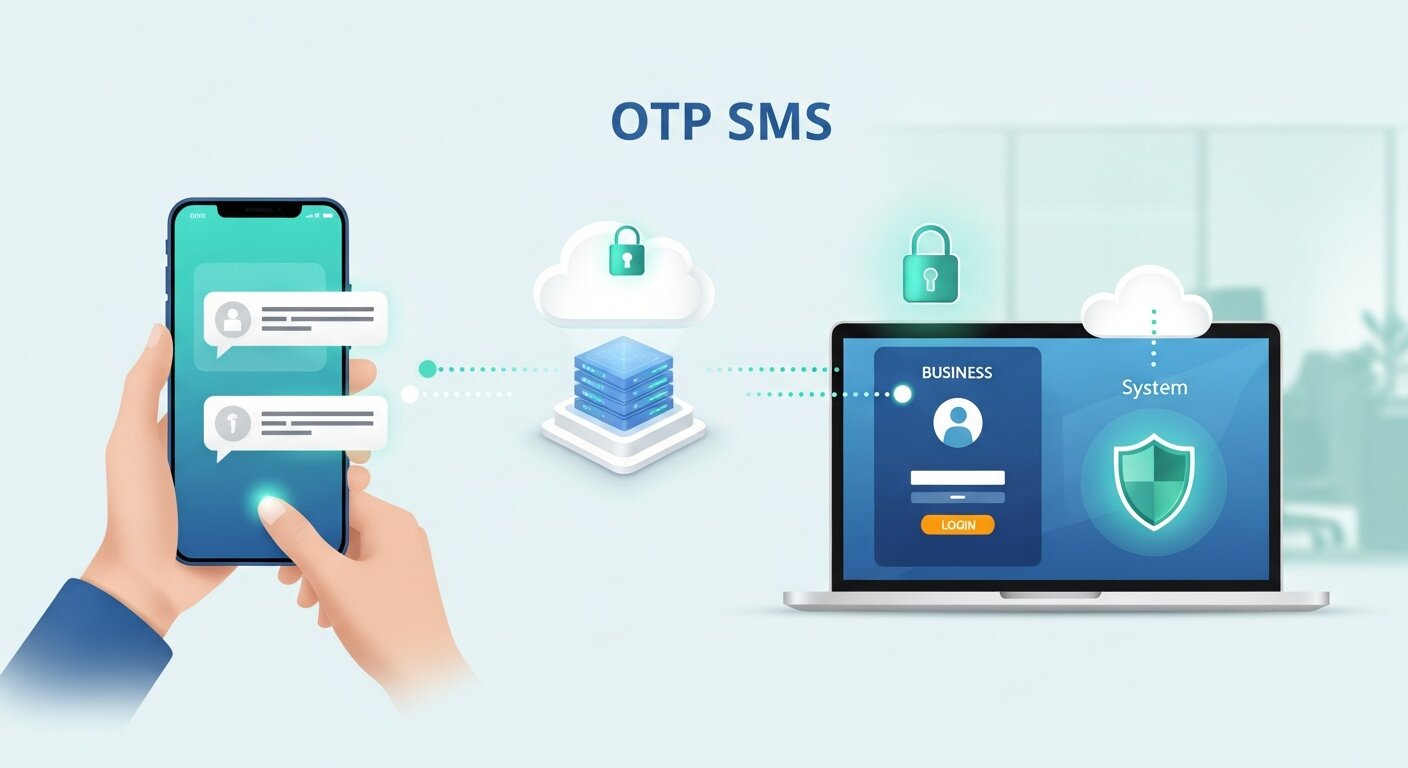
Sending an OTP SMS involves a rapid exchange of information between a business’s application, a gateway provider, and a mobile network operator. The entire process takes only a few seconds.
First, a user triggers an event. This could be attempting to log in, resetting a forgotten password, or making a large online purchase. The application receives this request and generates a random, secure code.
Next, the application sends this code to an SMS API provider. The API provider acts as a bridge between the software and global telecommunications networks. The provider identifies the correct mobile network operator for the user’s phone number and routes the message accordingly.
Finally, the mobile network operator delivers the text message to the user’s handset. The user reads the code, enters it back into the application, and the system verifies that the submitted code matches the generated code. If they match, the system grants access.
Top Business Benefits of SMS Verification
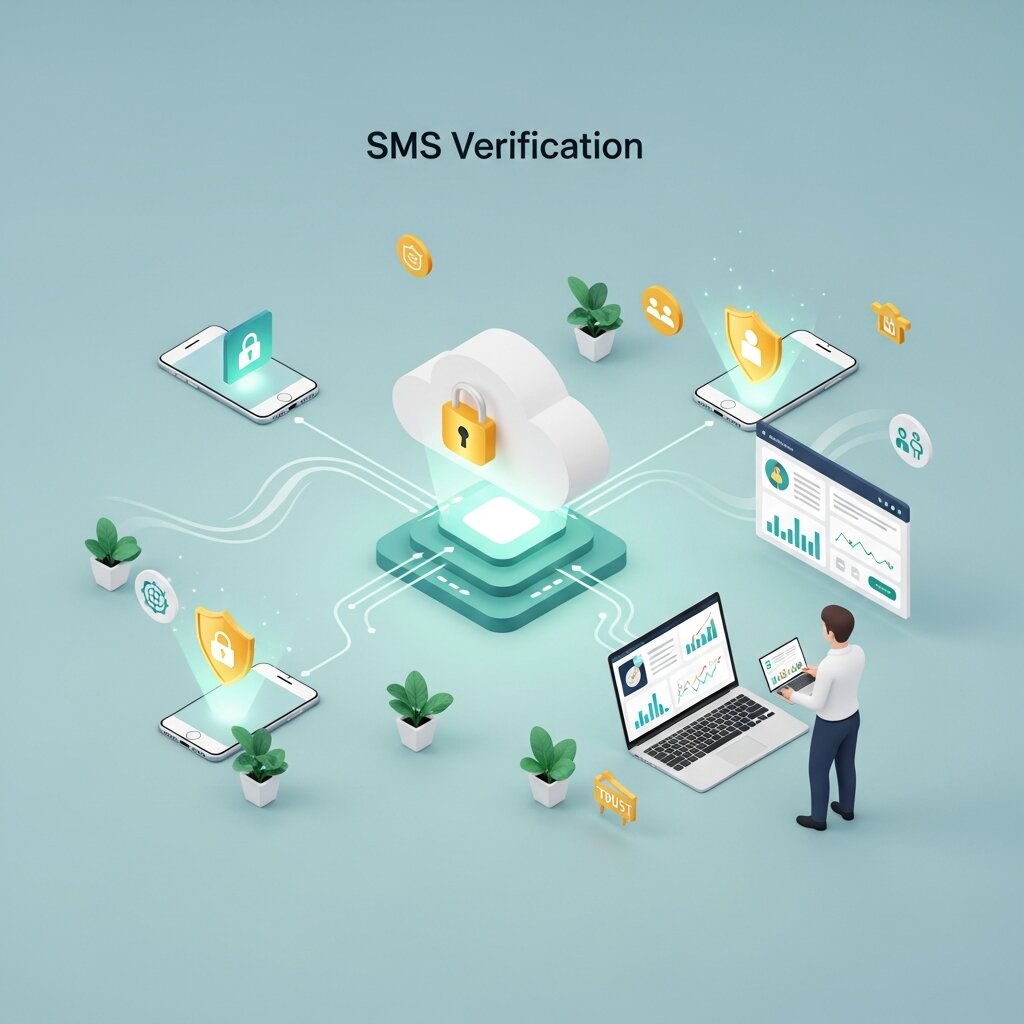
Implementing an OTP SMS system provides significant advantages for both businesses and users by strengthening security while keeping the verification process simple and fast. It helps prevent unauthorized access by ensuring that only the rightful user with access to the registered mobile number can complete login or sensitive actions like payments and account changes. This greatly reduces fraud, account takeovers, and fake registrations.
At the same time, an OTP SMS system improves user experience by offering a quick and familiar way to verify identity without requiring extra apps or complicated setups. It also builds customer trust, supports regulatory compliance in industries like finance and e-commerce, and allows businesses to scale secure authentication across a large user base with minimal friction.
Enhanced Account Security
The primary purpose of a one-time password is to add an extra layer of protection against unauthorized access. Even if a hacker manages to steal or guess a user’s email and password, they still cannot log in without the temporary code sent directly to the user’s mobile device. Since this code is time-sensitive and delivered only to the registered phone number, it significantly reduces the risk of account takeovers, phishing attacks, and credential-based breaches. This makes the login process much more secure compared to relying on passwords alone.
High Accessibility
One of the biggest advantages of SMS-based verification is its wide accessibility. Almost every mobile phone, whether it is a smartphone or a basic feature phone, can receive text messages without needing an internet connection. Users are not required to install any additional apps or set up complex authentication tools. This makes the system highly inclusive and ensures that businesses can securely verify users across different regions, devices, and network conditions without barriers.
Familiar User Experience
Common Use Cases
Organizations across various industries rely on SMS verification to protect their operations.
Financial institutions use these codes to authorize high-value bank transfers and verify credit card purchases. This prevents financial fraud and complies with strict banking regulations.
E-commerce platforms use SMS verification during the account creation process to ensure that new users are real people. This prevents bots from creating fake accounts and abusing promotional codes.
Corporate IT departments use one-time passwords to secure employee access to internal company networks. When an employee logs in from a new device or an unrecognized location, the system requires a temporary code to confirm their identity.
Best Practices for Implementation

To get the most out of your OTP SMS setup, you need to balance security with user convenience.
Always enforce a short expiration window. Codes should expire within a few minutes to limit the time a hacker has to intercept them. You should also limit the number of times a user can request a new code within a specific timeframe to prevent SMS pumping fraud.
Keep your message text clear and concise. State exactly what the code is for and clearly display the numbers. For example: “Your verification code is 482910. It expires in 5 minutes. Do not share this code with anyone.”
OTP SMS vs Email Verification
While both OTP SMS and email verification are used for identity confirmation, SMS-based authentication is generally faster and more reliable. OTP SMS is delivered instantly to a user’s mobile device, making it ideal for real-time actions like logins or transactions. Email verification, on the other hand, can be delayed due to server issues or spam filters, which may interrupt the user experience. Additionally, users are more likely to notice a text message immediately compared to an email, which increases completion rates. For high-security applications, OTP SMS provides a stronger and more responsive verification layer.
Role of SMS Gateways in OTP Delivery
SMS gateways act as the backbone of OTP SMS delivery systems. They connect business applications to global mobile networks, ensuring that verification codes are transmitted quickly and reliably. When an OTP is generated, it is sent to the gateway, which then routes it through the appropriate telecom operator based on the user’s phone number. Advanced gateways also provide delivery reports, failure tracking, and message optimization features. This ensures businesses can monitor performance and maintain high delivery success rates across different regions and carriers.
OTP SMS in Two-Factor Authentication (2FA)
OTP SMS is one of the most widely used methods in two-factor authentication systems. In 2FA, users must provide something they know (password) and something they receive (OTP code). This dual-layer protection significantly reduces the chances of unauthorized access. Even if login credentials are stolen, attackers cannot proceed without the one-time code sent to the user’s mobile phone. This makes OTP SMS a critical security layer for banking apps, SaaS platforms, and e-commerce websites.
Frequently Asked Questions
What exactly does OTP mean?
OTP stands for One-Time Password. It is a unique string of numbers or characters generated for a single login attempt or transaction, providing an extra layer of security beyond a standard password.
How is an OTP SMS different from an authenticator app?
An OTP SMS delivers the code via a standard text message through cellular networks. An authenticator app generates the code locally on the device using a time-based algorithm and requires a smartphone to install the specific application.
Are one-time passwords completely secure?
While highly secure and effective at stopping automated bot attacks, they are not entirely immune to sophisticated threats like SIM swapping. However, they are vastly superior to relying on passwords alone.
How much does it cost to send an OTP SMS?
The cost varies depending on your SMS gateway provider and the destination country of the recipient. Providers typically charge a fraction of a cent per message, with volume discounts available for large businesses.
Can users receive these messages internationally?
Yes. Reputable SMS API providers have relationships with mobile network operators worldwide. This allows your application to send verification codes to users in almost any country.
What is SMS pumping fraud?
This is a type of cyber attack where hackers exploit an application’s phone verification form. They trigger thousands of verification texts to premium-rate phone numbers they control, sharing the revenue with the telecom provider and costing the business money.
How can I prevent SMS pumping?
You can prevent this fraud by implementing rate limiting on your verification forms. Restrict the number of times a single IP address or user can request a code within an hour. You can also block messages to specific high-risk countries if you do not have customers there.
How long should an OTP be valid?
Security experts generally recommend an expiration window of 3 to 10 minutes. This gives the user enough time to receive and enter the code while minimizing the risk of interception.
Can I customize the sender ID?
In many countries, you can customize the alphanumeric sender ID so the message appears to come from your brand name (e.g., “YourBrand”) instead of a random phone number. This increases trust and open rates.
What happens if a user’s phone is out of cellular range?
If a phone has no cellular signal, it cannot receive standard text messages. Businesses often offer fallback options, such as delivering the code via a voice call or sending a backup code to an associated email address.
Do I need to be a developer to set this up?
Basic integration requires some programming knowledge to connect your application to an SMS API. However, many modern software platforms and identity providers offer plug-and-play integrations that require minimal coding.
Are there compliance regulations for sending SMS verification?
Yes. Depending on your region, you must comply with telecommunications laws (like A2P 10DLC in the US) and data privacy regulations (like GDPR in Europe). You must ensure users have consented to receive messages.
How long should the verification code be?
A standard code is usually 4 to 6 digits long. Six digits offer a strong balance between high security (a million possible combinations) and user convenience.
What is the difference between an OTP and 2FA?
2FA (Two-Factor Authentication) is the broader security concept of requiring two distinct forms of identification. An OTP SMS is a specific method or tool used to fulfill the second factor of that authentication process.
Can I use this technology for marketing?
No. Telecom carriers heavily monitor message traffic. You should strictly separate transactional messages (like verification codes) from promotional marketing messages to maintain high deliverability rates and comply with network rules.
Secure Your Business Operations Today
Relying only on passwords is no longer enough to protect modern digital systems, as cyber threats continue to evolve and target weak or reused credentials. By implementing an OTP-based verification system, businesses can add a strong extra layer of security that significantly reduces the risk of unauthorized access, account breaches, and identity theft. This approach ensures that even if login details are compromised, access is still blocked without the temporary verification code sent to the user’s registered mobile device.
At the same time, this method maintains a smooth and user-friendly experience, since customers can quickly verify their identity using a simple code they already understand. When combined with best practices like short code expiration times, request limits, and fraud detection measures, it creates a highly secure authentication flow. Ultimately, this helps protect sensitive business data, safeguard customer accounts, and build stronger long-term trust in your digital platform.
