

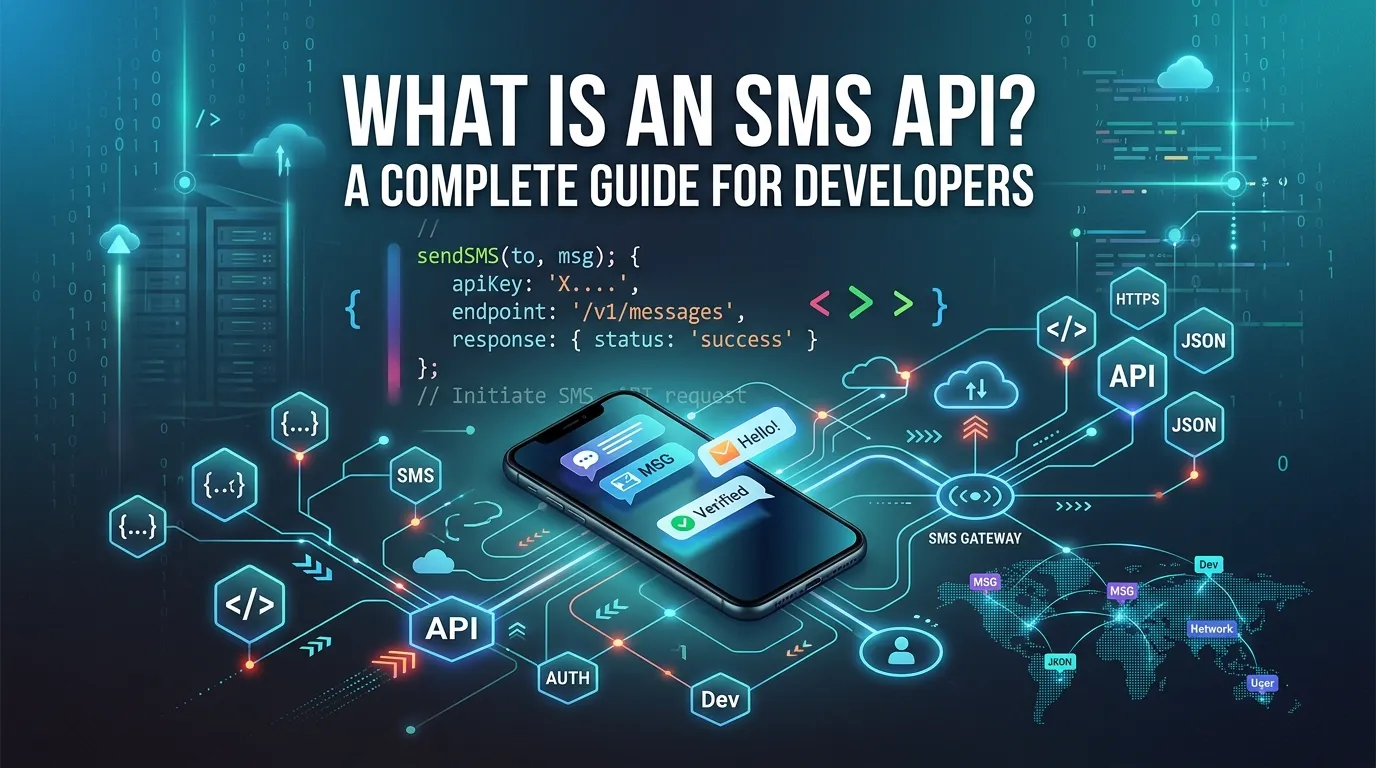
An SMS API allows applications to send and receive text messages programmatically through code by connecting to an SMS gateway. It is widely used for OTPs, notifications, alerts, and marketing messages. Using REST APIs, developers can easily integrate SMS features into their apps and scale communication efficiently.
An SMS API is a set of programming tools that lets applications send and receive text messages through code. Instead of using a phone, your software connects to an SMS gateway via the API, which routes messages to mobile carriers and delivers them to recipients—often in seconds.
Text messages have a 98% open rate, which is far higher than email. That’s why so many businesses—from banks sending login codes to retailers confirming orders—rely on SMS to reach customers fast. But sending thousands of texts by hand isn’t realistic. This is where an SMS API comes in.
In this guide, you’ll learn what an SMS API is, how it works behind the scenes, and how developers integrate it into their applications. We’ll cover SMS gateways, REST API basics, and a simple walkthrough for sending your first text through code. By the end, you’ll understand the building blocks well enough to plan your own text messaging feature.
Whether you’re a developer exploring options or a product manager scoping a new feature, this article breaks down the technical concepts in plain language.
What Is an SMS API? Meaning and Definition
An SMS API (Application Programming Interface) is a bridge between your software and a messaging service. It allows your application to send and receive SMS messages programmatically—meaning through code rather than a phone keypad.
Think of an API as a messenger that takes a request from your app, delivers it to the SMS service, and brings back a response. When you write a few lines of code asking the API to “send this text to this number,” the API handles everything else: connecting to mobile networks, formatting the message, and reporting whether it was delivered.
SMS APIs are used for a wide range of tasks, including:
- One-time passwords (OTPs) for two-factor authentication
- Appointment reminders from clinics and salons
- Delivery notifications from online stores
- Marketing campaigns and promotional offers
- Alerts and notifications for banking or security
The key benefit is automation. Once integrated, your application can send a single text or millions of them without any manual effort.
How Does an SMS API Work?
An SMS API works by passing your message through several layers before it reaches a phone. Here’s the journey, step by step:
- Your application sends a request. Your code makes an API call containing the recipient’s phone number, the message text, and your authentication credentials.
- The SMS provider receives the request. The provider’s servers validate your credentials and check the message for formatting or compliance issues.
- The SMS gateway routes the message. The gateway selects the best path to deliver your message to the correct mobile carrier.
- The carrier delivers the message. The recipient’s mobile network pushes the text to their phone.
- A delivery report comes back. The API returns a status update, telling you whether the message was delivered, failed, or is still pending.
This entire process usually takes just a few seconds. The beauty of an SMS API is that all this complexity is hidden from you—you only deal with simple requests and responses.
What Is an SMS Gateway and How Does It Fit In?
An SMS gateway is the technology that connects the internet to mobile carrier networks. It’s the translator that converts your digital message into a format that cellular networks understand.
Without a gateway, your application couldn’t reach mobile phones, because the internet and telecom networks speak different “languages.” The gateway bridges that gap.
When you use an SMS API, the gateway works in the background. The API is what you interact with as a developer; the gateway is the infrastructure doing the heavy lifting of carrier connections, message routing, and protocol translation.
An SMS gateway service typically offers:
- Connections to hundreds of carriers worldwide
- Smart routing to find the fastest, most reliable path
- Delivery tracking and reporting
- Support for different message types, such as standard SMS, MMS, and long messages
Most businesses don’t build their own gateways. Instead, they use a cloud SMS provider that maintains these connections and exposes them through an easy-to-use API.
SMS API for Developers Explained
For developers, an SMS API removes the need to deal with telecom infrastructure directly. You don’t have to negotiate carrier contracts, manage hardware, or understand messaging protocols. The API abstracts all of that away.
Most modern SMS APIs are REST APIs, which means they use standard web technologies. If you’ve ever worked with any web API, you’ll feel right at home. You send HTTP requests, include data in JSON format, and receive structured responses.
A typical SMS API gives developers:
- Endpoints for sending messages, checking delivery status, and managing phone numbers
- Authentication using API keys or tokens to keep your account secure
- Webhooks that notify your app when a message is received or its status changes
- Documentation and SDKs for popular languages like Python, JavaScript, PHP, and Java
The learning curve is gentle. Many developers can send their first message within minutes of signing up.
REST SMS API Tutorial: How to Send a Text Using an API
Let’s walk through the general steps to send an SMS using a REST API. The exact details vary by provider, but the pattern is almost always the same.
Step 1: Sign up and get your credentials
Create an account with an SMS provider. You’ll receive an API key (and often an API secret) that identifies your account. Keep these credentials private.
Step 2: Get a sender number
Most providers give you a phone number or sender ID to send messages from. Some regions require you to register this number for compliance.
Step 3: Make the API call
You send an HTTP POST request to the provider’s endpoint. A simplified example looks like this:
POST https://api.smsprovider.com/v1/messages
Authorization: Bearer YOUR_API_KEY
Content-Type: application/json

{
  "to": "+15551234567",
  "from": "+15557654321",
  "body": "Hello! This is a test message."
}
Step 4: Handle the response
The API returns a response confirming the message was accepted. It usually includes a message ID you can use to track delivery:
{
  "message_id": "abc123",
  "status": "queued"
}
Step 5: Track delivery with webhooks
To know if the message actually arrived, set up a webhook. The provider will send a notification to your server when the status changes to “delivered” or “failed.”
That’s the entire flow. Five steps, and your application can send texts to almost any phone in the world.
How to Integrate an SMS API Into Your Application
Integrating an SMS API into a real product involves a few more considerations beyond sending a single test message:
- Use an SDK when available. Official libraries handle authentication and request formatting for you, which reduces errors.
- Store credentials securely. Never hard-code API keys in your source code. Use environment variables or a secrets manager.
- Handle errors gracefully. Plan for failed messages, invalid numbers, and rate limits. Build retry logic where it makes sense.
- Respect compliance rules. Get consent before texting customers, and always include opt-out instructions where required by law.
- Monitor your usage. Track delivery rates and costs so you can catch problems early.
A well-planned integration scales smoothly from your first test message to high-volume production traffic.
What Is a Cloud SMS API and Why Does It Matter?
A cloud SMS API is hosted and maintained by a third-party provider, so you don’t manage any servers or hardware. You simply call the API over the internet, and the provider handles everything else.
Cloud-based SMS services matter for a few reasons:
- Scalability: You can send one message or millions without upgrading your own infrastructure.
- Reliability: Providers maintain redundant carrier connections to keep delivery rates high.
- Global reach: Cloud providers already have connections to carriers around the world.
- Lower cost: You pay only for what you use, with no upfront hardware investment.
For most teams, a cloud SMS API is the fastest and most affordable way to add text messaging to an app.
Choosing the Right SMS API: What to Look For
Not every SMS API fits every project. Use these criteria to guide your decision:
- Choose based on reach if you need to send messages internationally. Look for a provider with broad carrier coverage in your target countries.
- Prioritize reliability if you’re sending time-sensitive messages like OTPs. Delivery speed and uptime matter most here.
- Focus on pricing if you’re sending high volumes. Small per-message differences add up quickly at scale.
- Value developer experience if your team is small. Clear documentation and good SDKs save real engineering time.
Match the provider’s strengths to your project’s priorities, and you’ll avoid costly migrations later.
Final Thoughts: Getting Started With SMS APIs
An SMS API turns text messaging into a simple, programmable feature you can add to almost any application. By connecting your software to an SMS gateway through clean, well-documented code, you can reach customers reliably and at scale—without ever touching telecom hardware.
The best way to learn is to try it. Sign up for a free trial with an SMS provider, grab your API key, and send a test message to your own phone. Once you see how quickly it works, you’ll be ready to build reminders, alerts, two-factor authentication, and more.
Start small, test thoroughly, and scale as your needs grow.
Frequently Asked Questions
What is the difference between an SMS API and an SMS gateway?
An SMS API is the interface developers use to send and receive messages through code. An SMS gateway is the underlying infrastructure that connects the internet to mobile carrier networks. The API is what you interact with; the gateway does the routing behind the scenes.
How much does an SMS API cost?
Most cloud SMS providers charge per message, often a few cents each, with prices varying by country. There are usually no upfront fees, and you pay only for what you send. High-volume senders can often negotiate lower per-message rates.
Do I need coding skills to use an SMS API?
Yes, basic programming knowledge helps, since you integrate the API into your application using code. However, modern REST APIs are beginner-friendly, and most providers offer SDKs and clear documentation that make sending your first message quick and simple.
How long does it take to integrate an SMS API?
Sending a single test message can take just a few minutes. A full production integration—with error handling, webhooks, and compliance features—typically takes a few hours to a few days, depending on your application’s complexity.
Can an SMS API receive messages too?
Yes. Many SMS APIs support two-way messaging. When someone replies to your text, the provider sends the incoming message to your application through a webhook, allowing you to build interactive features like chatbots or support workflows.
What is an SMS API?
An SMS API is a tool that lets applications send and receive text messages programmatically using code.
How does an SMS API work?
It sends a request from your app to an SMS gateway, which forwards the message to mobile carriers for delivery.
What is the purpose of an SMS API?
Its purpose is to automate sending SMS messages for OTPs, notifications, alerts, and marketing campaigns.
What is the difference between an SMS API and SMS gateway?
An SMS API is the interface used by developers, while the SMS gateway is the system that routes messages to mobile networks.
Do I need coding skills to use an SMS API?
Yes, basic programming knowledge is needed to integrate and use an SMS API in applications.
Can SMS APIs send OTP messages?
Yes, SMS APIs are commonly used for sending OTPs for authentication and security verification.
Are SMS APIs free to use?
Some providers offer free trials or limited free tiers, but most SMS APIs charge per message for production use.
Can SMS APIs receive messages too?
Yes, many SMS APIs support two-way messaging through webhooks for incoming SMS handling.
How long does it take to integrate an SMS API?
Basic integration can take minutes, while full production setup may take a few hours or days depending on complexity.
